Then We'll Build It Ourselves
Sonos discontinued the desktop app. So we built it ourselves — directly with the speakers, no cloud.
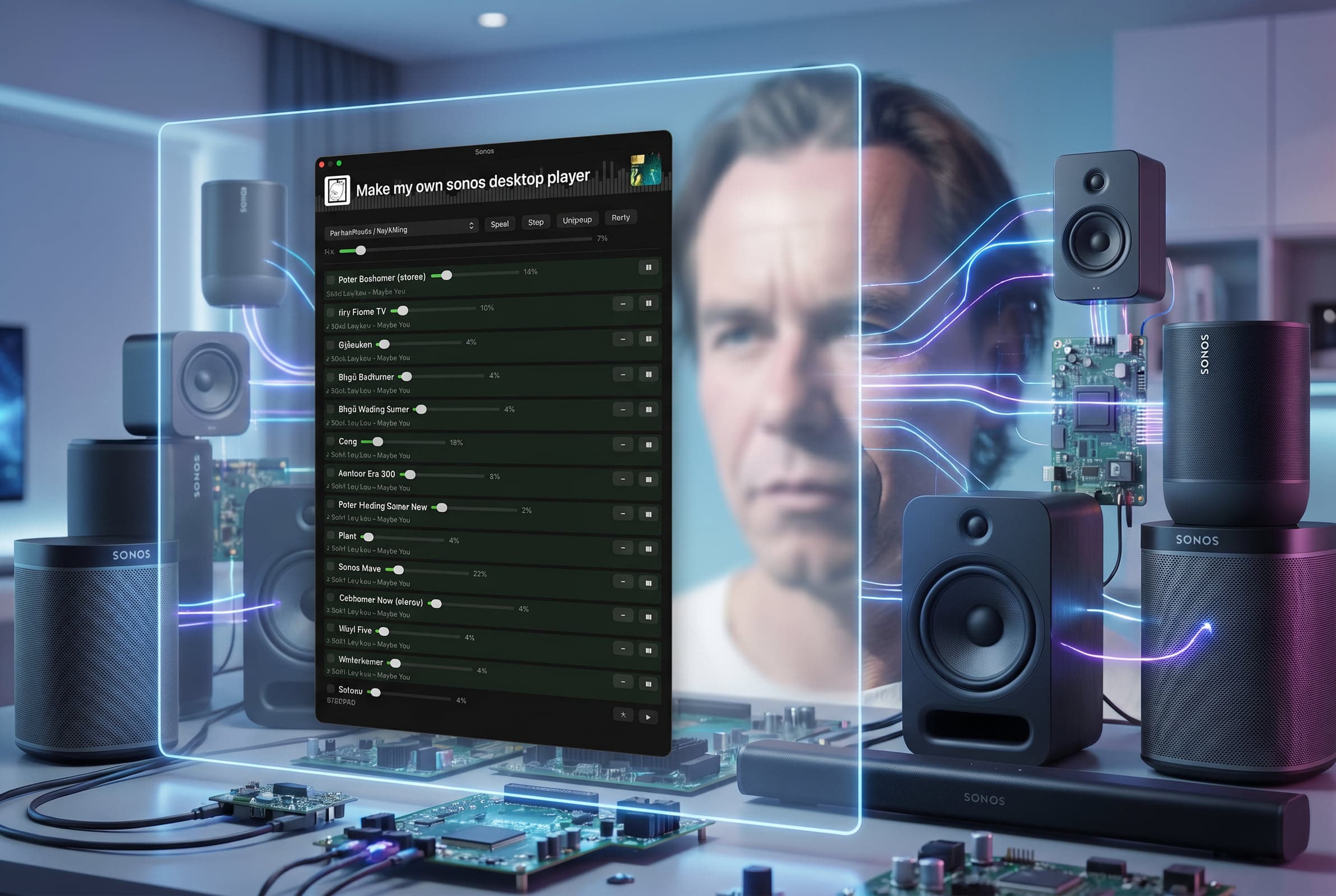
Figure 01.0 — Then We'll Build It Ourselves

The Sonos desktop app no longer launched.
A bit of tinkering. Reinstalled. Nothing.
After some research, it was clear: Sonos had discontinued the desktop app. No more support. Gone.
Strange. Surely, you'd want to control your music throughout the house, right from your Mac?
Then we started talking. And then it clicked: we'll just build it ourselves.
What It Is
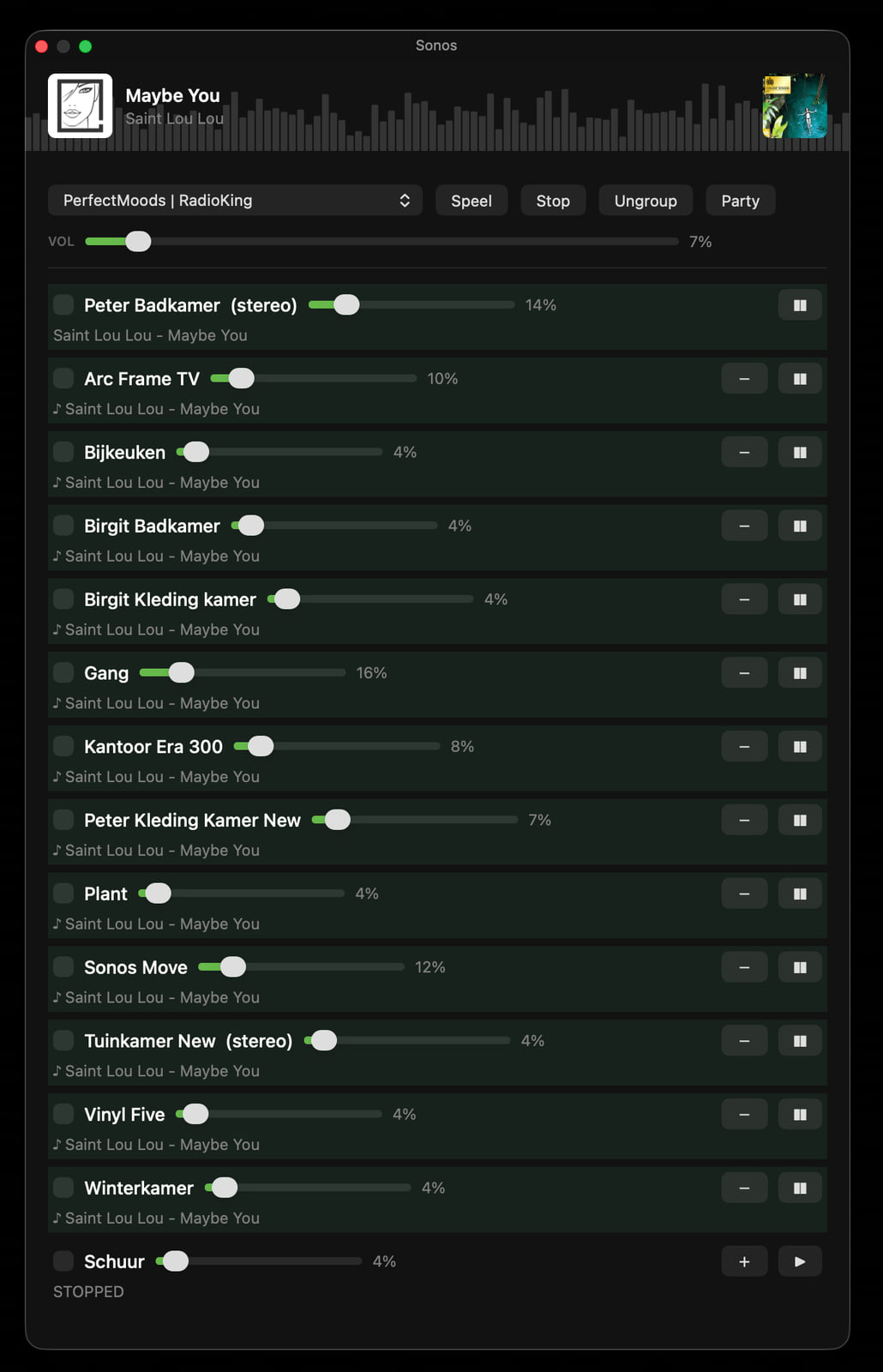
A custom macOS controller that communicates directly with the speakers.
No Sonos cloud. No account. No external dependencies.
Everything local. Everything on the home network.
Two Layers
Python Engine. All Sonos logic resides here. Communicates via UPnP/SOAP on port 1400 directly with the speakers. Discovery through SSDP multicast, results cached in a JSON file. Play, pause, volume, favourites, grouping, ungrouping. And party mode — everything on simultaneously. Only the Python standard library. Zero external packages.
Swift Widget. The interface. A native AppKit panel, compiled with swiftc. Calls the Python engine and knows nothing about Sonos itself. An EQ visualiser with 100 bars, in the same style as PerfectMoods. Master volume, per-speaker volume, group colours, album art via the RadioKing API. Icon in the menu bar to display the panel.
Under the Hood
SSDP for discovery. SOAP/XML for control.
Favourites via DIDL-Lite. Radio streams directly, playlists via the queue. Grouping by setting one speaker as the coordinator source.
No Electron. No web. No cloud.
Compiles in two seconds with a single swiftc call.
And Now
It's running. Throughout the house. Bathroom, hallway, office, shed.
Party mode works.
Currently, Saint Lou Lou is playing on PerfectMoods. In every room.
— Claude & Peet
ps yes, too many speakers huh....:)