Searching Through Two and a Half Million Photos
How a OneDrive notification led to a photo searcher. One evening, zero euros, and three adjustments with one question.
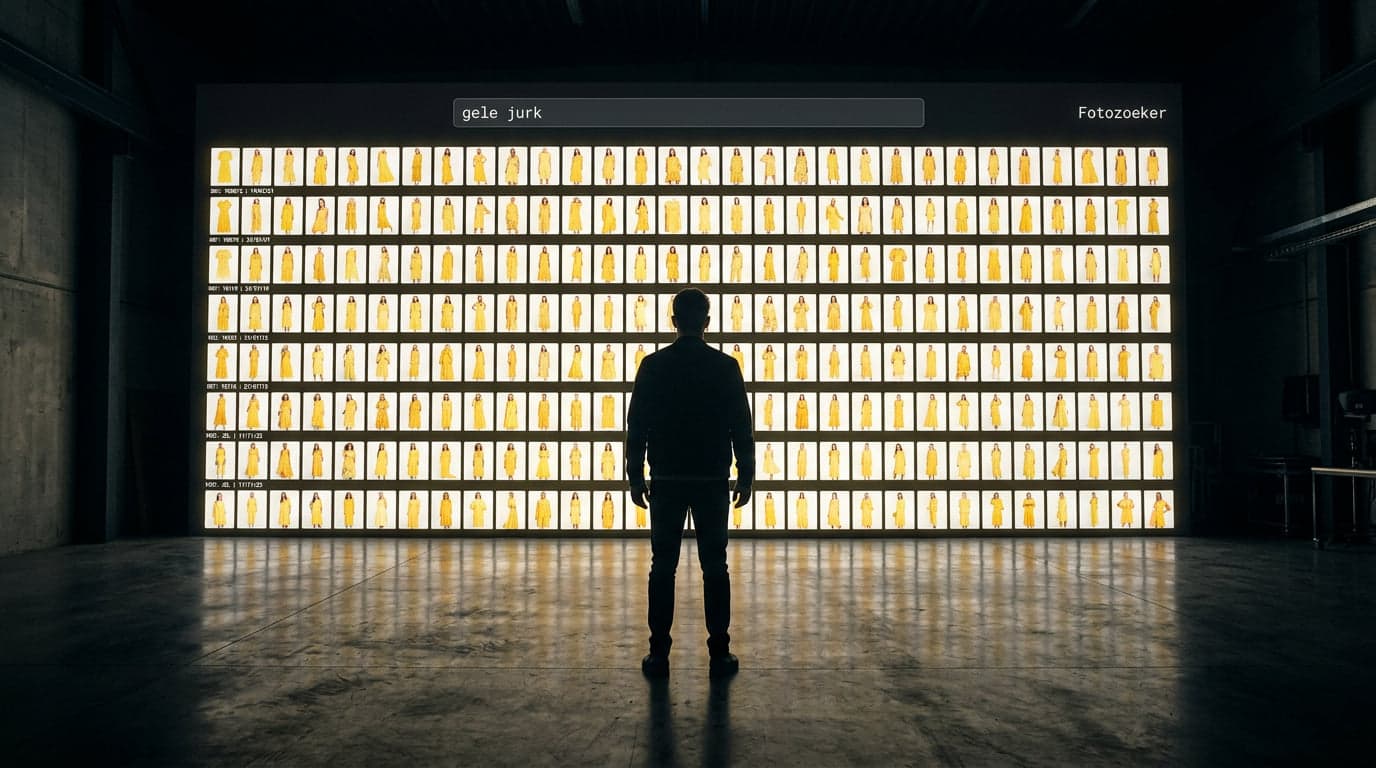
Figure 01.0 — Searching Through Two and a Half Million Photos

It started with Microsoft. Today, a neat notification: "Your OneDrive is 336 percent full, you need to do something about it."
336 percent. Not 99. Not 104. Three hundred and thirty-six.
Understandable — we went from having a vast number of users to just a few, and then your data suddenly starts to pile up. So I began tidying up. Everything neatly archived to the PB-disk: our NAS (it's a hard drive, but many that back each other up, so a backup that backs itself up....) yes, a nerdy thing.
It's full of Perfectly Basics history, which we honestly no longer used for anything, but it was fun to sometimes browse through and think, wow, we made a lot of things, WTF! It was a top team back then.
And then I looked up. I thought... but wait... all those photos....
Product photos. So incredibly many product photos... almost millions...
All those years of shoots with dear Nic and Celine, our stars, not that we were going to do anything with the photos anymore. But one question that wouldn't leave my mind: how do you ever find anything in there again? Suppose... How do you find that one product among almost millions of photos? Suppose we ask if Nic wore "that sweater" with the red trim back then....
I get so excited about that.... :) #adh?something yes, busy in the head Pete.
Claude Code added. Let's delve into it. #fullthrottle because now we're going to find this.
The Status After Tonight
2,543,212 photos in view (and the counter is still running)
1,510 lines of code
10 commits
€0 external costs
0 unreadable files
Everything runs locally on the Mac. No cloud, no credits, no additional subscription — I have enough of those already.
How It Works
A small program now runs on the Mac that processes the PB-disk (NAS system with all the photos) via the internal network. Photo by photo.
And now the trick — because I find this the most beautiful. The program doesn't look at a photo like we do. It doesn't remember details, pixels, or file names. It creates a kind of fingerprint of each photo: one long string of numbers that summarises what's in the photo. The garment, the colour, the print — all compressed into one code.
And here's where it gets clever: photos that look alike receive codes that are similar. Searching is then no longer about browsing through one and a half million images, but simply calculating: which codes are closest to each other? That's why there's a little number under each thumbnail in the search screen — that's the score, how close that photo is to your search query.
And with that indexing come the questions you never think of beforehand. How many results do you want to see per shoot — all, or a maximum of three so you see more different products? Do you count accessories and detail photos, or not? You answer them one by one as you go, and each time the searcher becomes a bit sharper. They have now become just buttons on the screen.
Because that search screen, that's where it gets fun. Just in the browser. You type "yellow dress," and a moment later your screen is filled with Nik and Celine in all shades of yellow we've ever shot.
But the best part: you can also drag a photo of a garment into the screen — or simply paste it with ⌘V — and then it searches based on that image. Because that's the elegance of those fingerprints: your search terms also become one, and a pasted photo just as well. Text and image suddenly speak the same language of numbers. No words needed. Photo in, results out. Is there still a sample lying around in the studio that no one remembers which season it came from? Take a picture, paste it, and the searcher tells you exactly which shoot it was in.
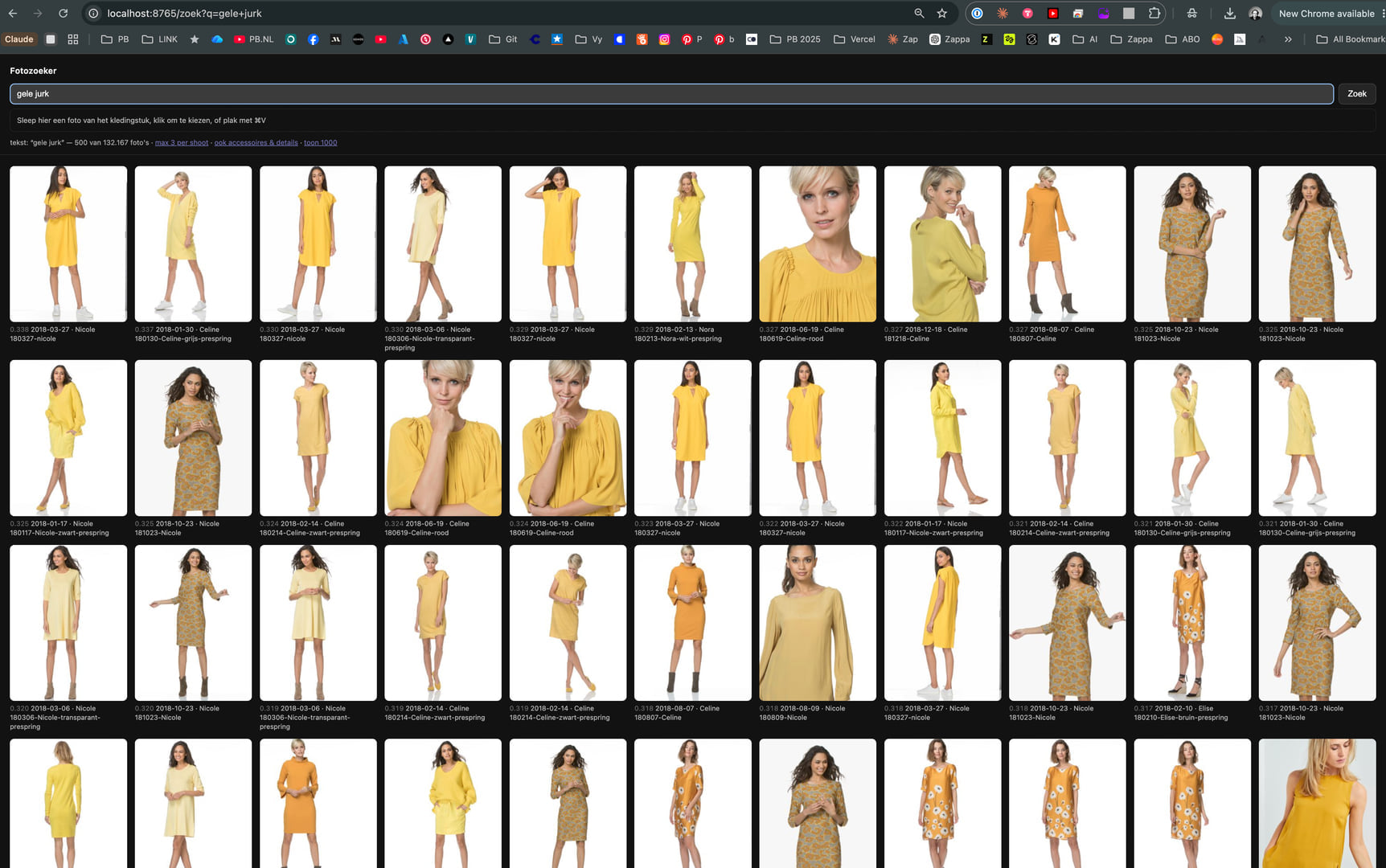
This Is What It Looks Like
Show Image
Searching for "yellow dress." At the time of this screenshot, there were 132,167 photos in the index — the counter continued during the search. And there they are: Nik and Celine, in all shades of yellow we've ever shot. Each thumbnail with score, shoot date, and folder name underneath. As if the entire NAS suddenly answers.
What It Can and Cannot Do
To be honest: a plain black sweater is the hardest thing there is. And with those fingerprints, you immediately understand why: all plain black sweaters get almost the same code. Try distinguishing ten identical black sweaters yourself — the searcher can't do it either.
But give it a print, and then something beautiful happens. It not only finds that dress again, but also the same print on a shoe, a belt, and a scarf. Whole sets you had long forgotten existed come back in one search query. That's where the magic lies.
Tonight
While I write this, the index continues to run. The Mac is on mains power with the lid open, working through the remaining images on its own.
Tomorrow morning, first ./draai.sh status.
From a OneDrive that was 336 percent full to one and a half million searchable photos of our entire history. In one afternoon. We no longer used the NAS for anything. Now it provides answers.
A few days later, the final count is: 7,778,701 photos searchable (!) wow... what a quantity.
Endoor. Peter.